







Test prototypes to validate ideas faster
Validate usability across your prototypes with real users before you build and invest valuable resources.


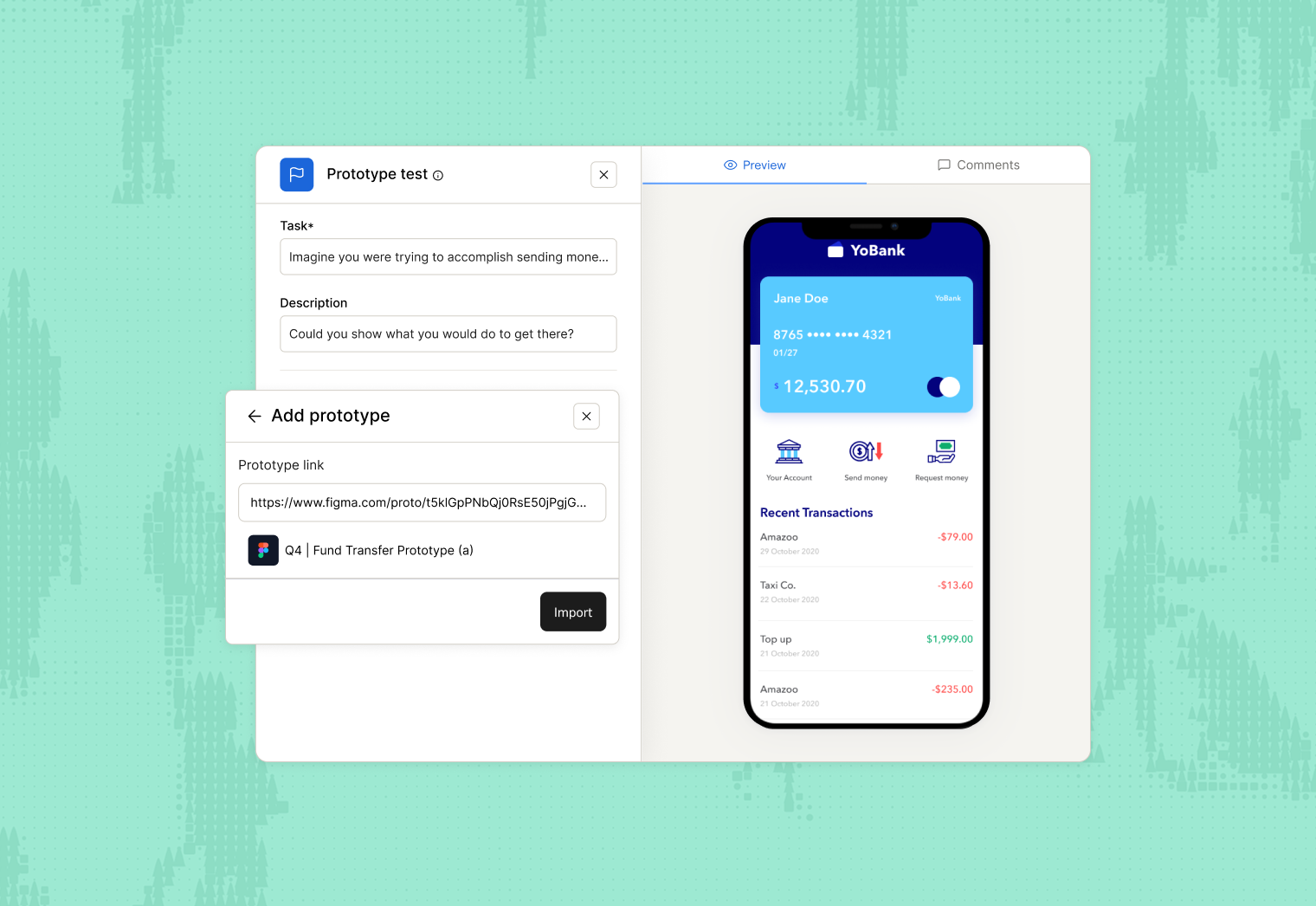
Validate your design before writing a single line of code
Collect feedback quickly and continuously from real users, and fix usability issues before they become a resource-consuming problem.


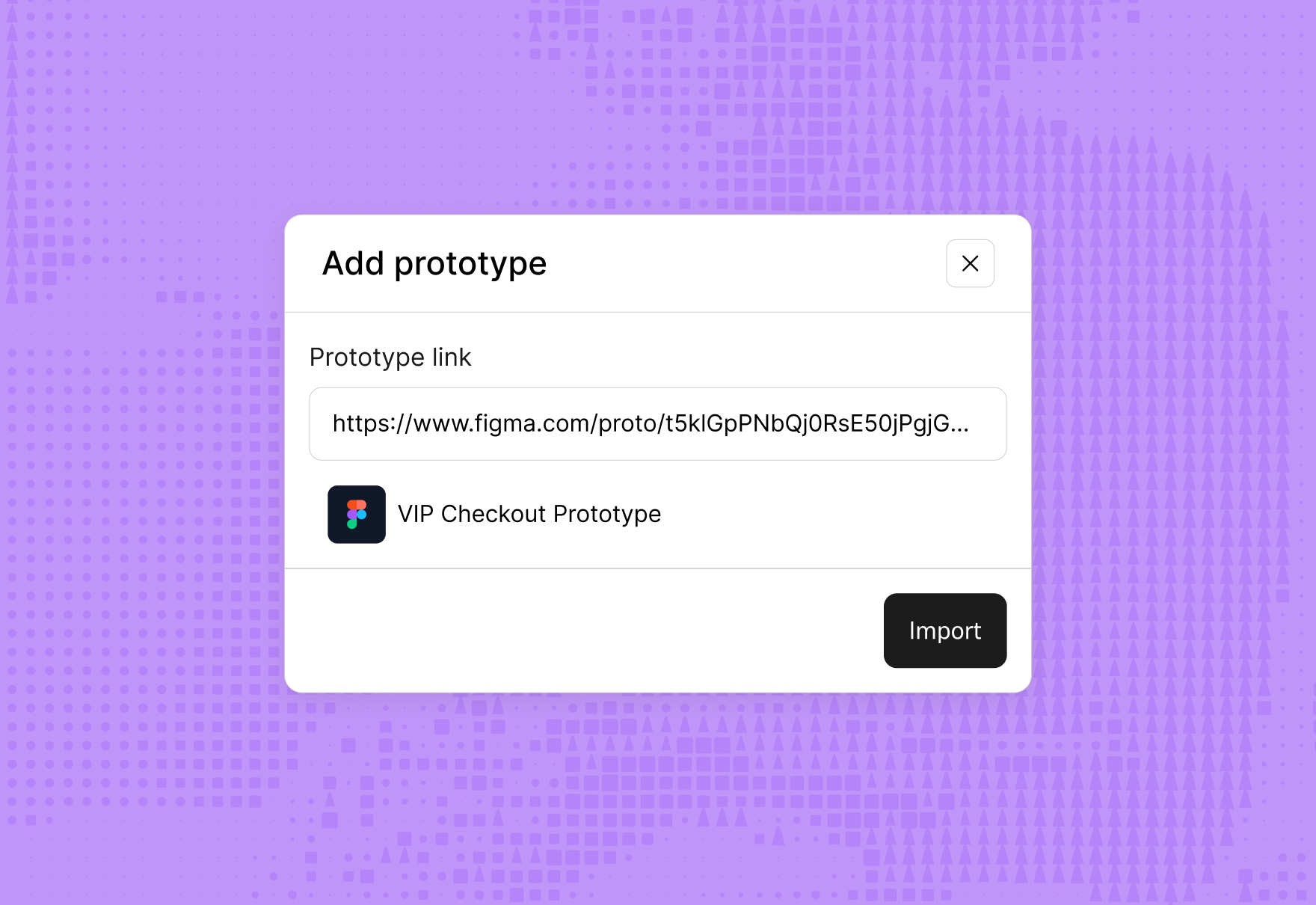




























From Figma prototype to data-driven insights
The easiest way to test Figma prototypes is with Maze
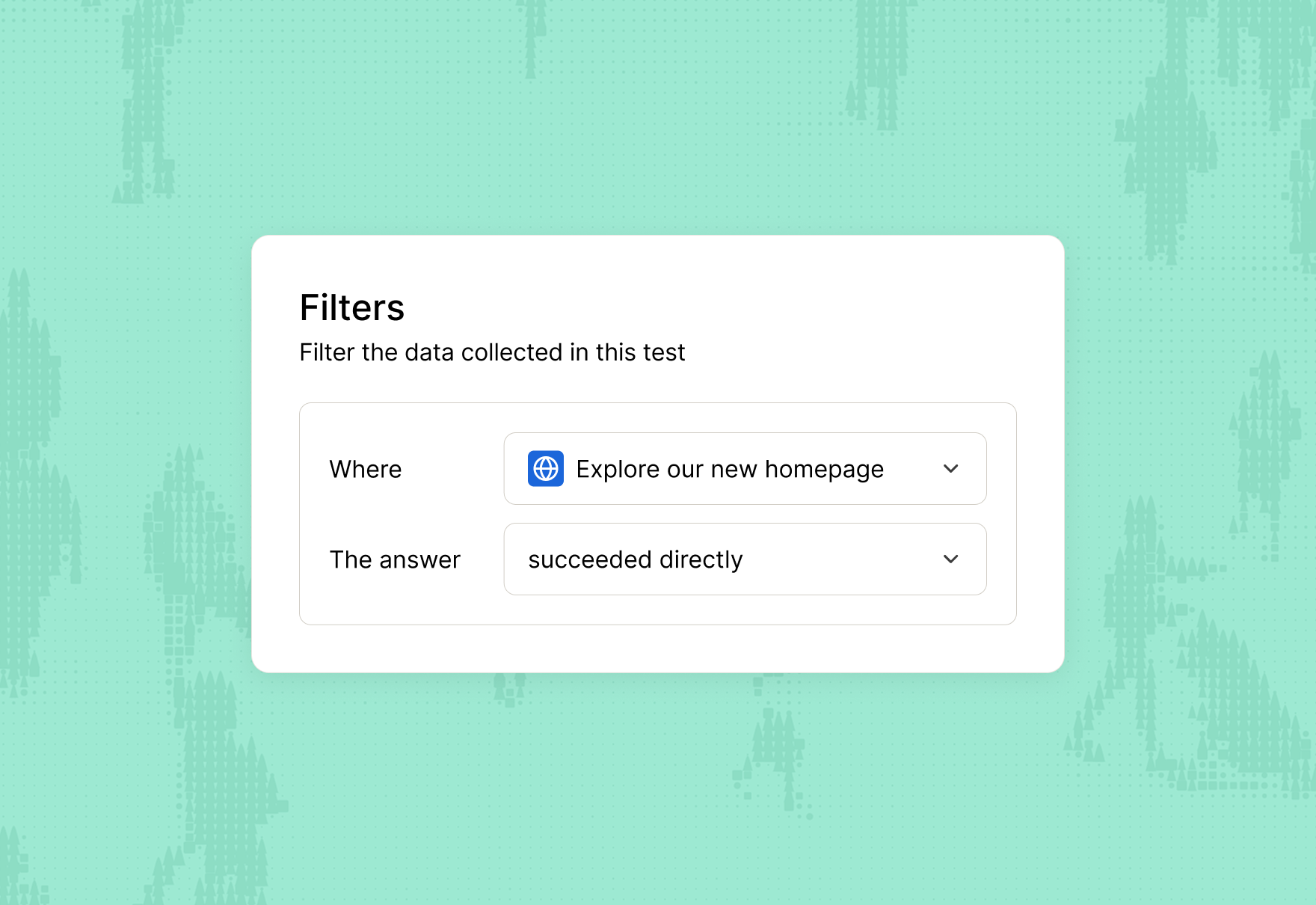
Let Maze turn prototype test results into valuable research insights
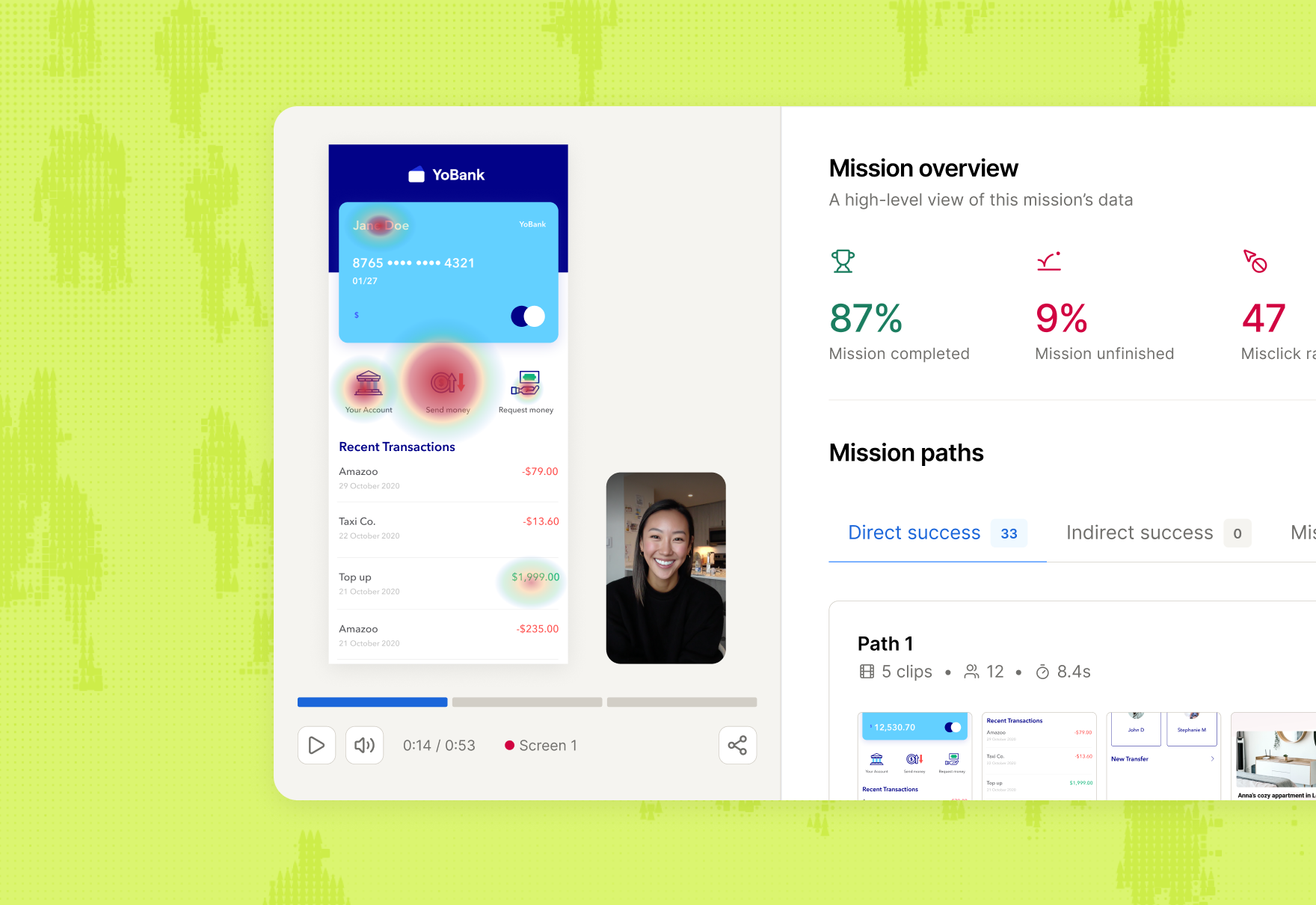
Capture your product’s usability with a unique score to help guide your future improvements.
Learn more about expected (and unexpected) user behavior from heatmaps, and discover how users navigate your prototypes.
Make core improvements to your design with metrics like misclicks and time-on-screen guiding you towards success.
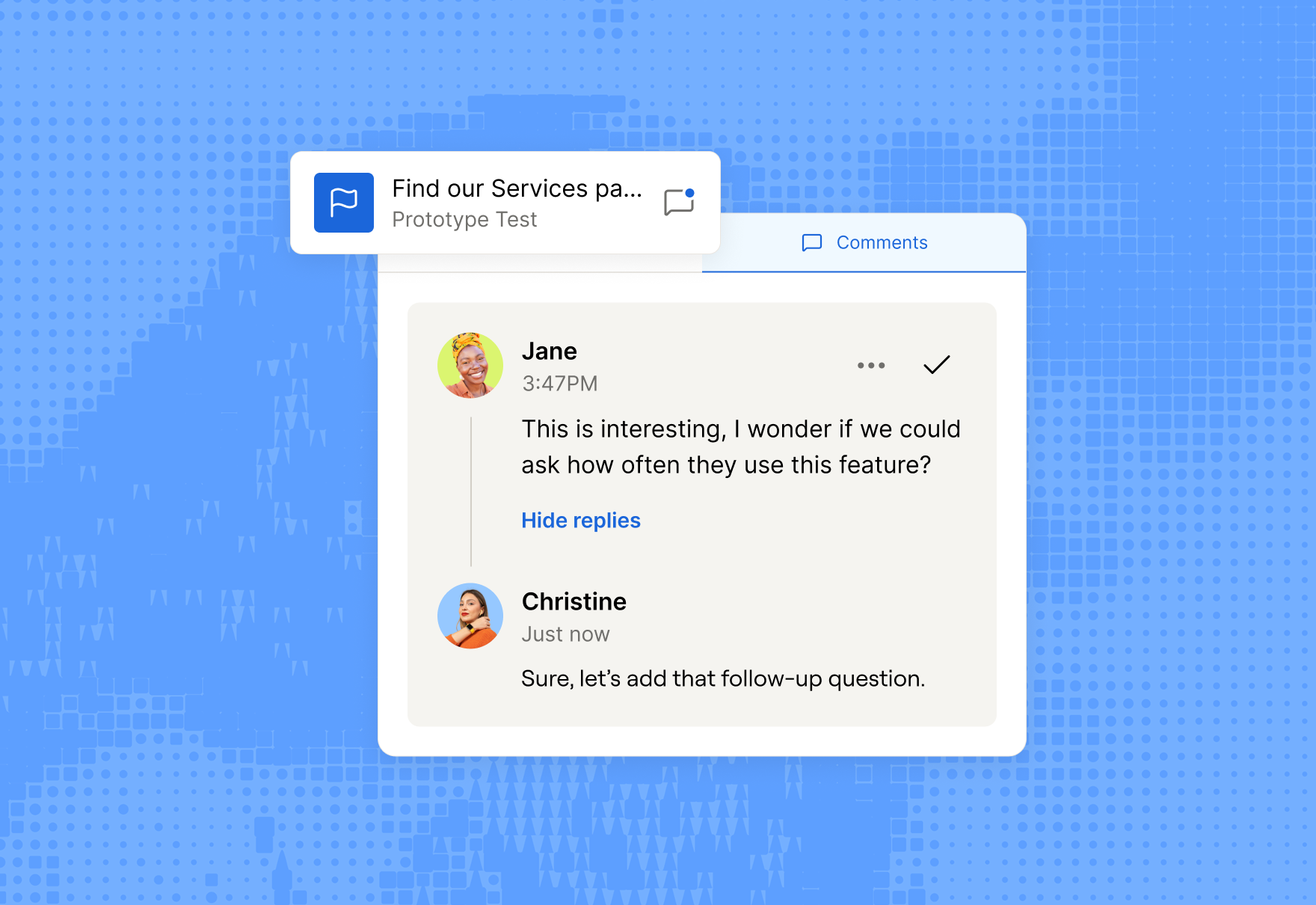
Bring your Maze Report to Notion, FigJam, or Miro. Surfacing research insights in your daily workflow has never been easier.
Maze is crafted for the curious



Figma prototype tests are so simple to set up and test with real users. We now have the tool to quickly reality check our crazy ideas. So powerful and extremely easy to use.
Rasmus Sund Hald
Lead Designer at Plant Jammer







Frequently asked questions
What prototyping tools are supported for testing in Maze?
What prototyping tools are supported for testing in Maze?
Maze supports testing prototypes created with Figma, and Axure. It also supports AI-generated prototypes built with Figma Make, Lovable, Bolt and Replit You can directly import and test your designs across desktop, tablet, and mobile formats.
How long does it take to get test results from a prototype test?
How long does it take to get test results from a prototype test?
You can see results in your Maze dashboard as soon as participants start completing the test. You can view mission outcomes, usability metrics, and heatmaps in near real-time, making rapid iteration possible for teams of all sizes.
Can I do A/B testing on a prototype?
Can I do A/B testing on a prototype?
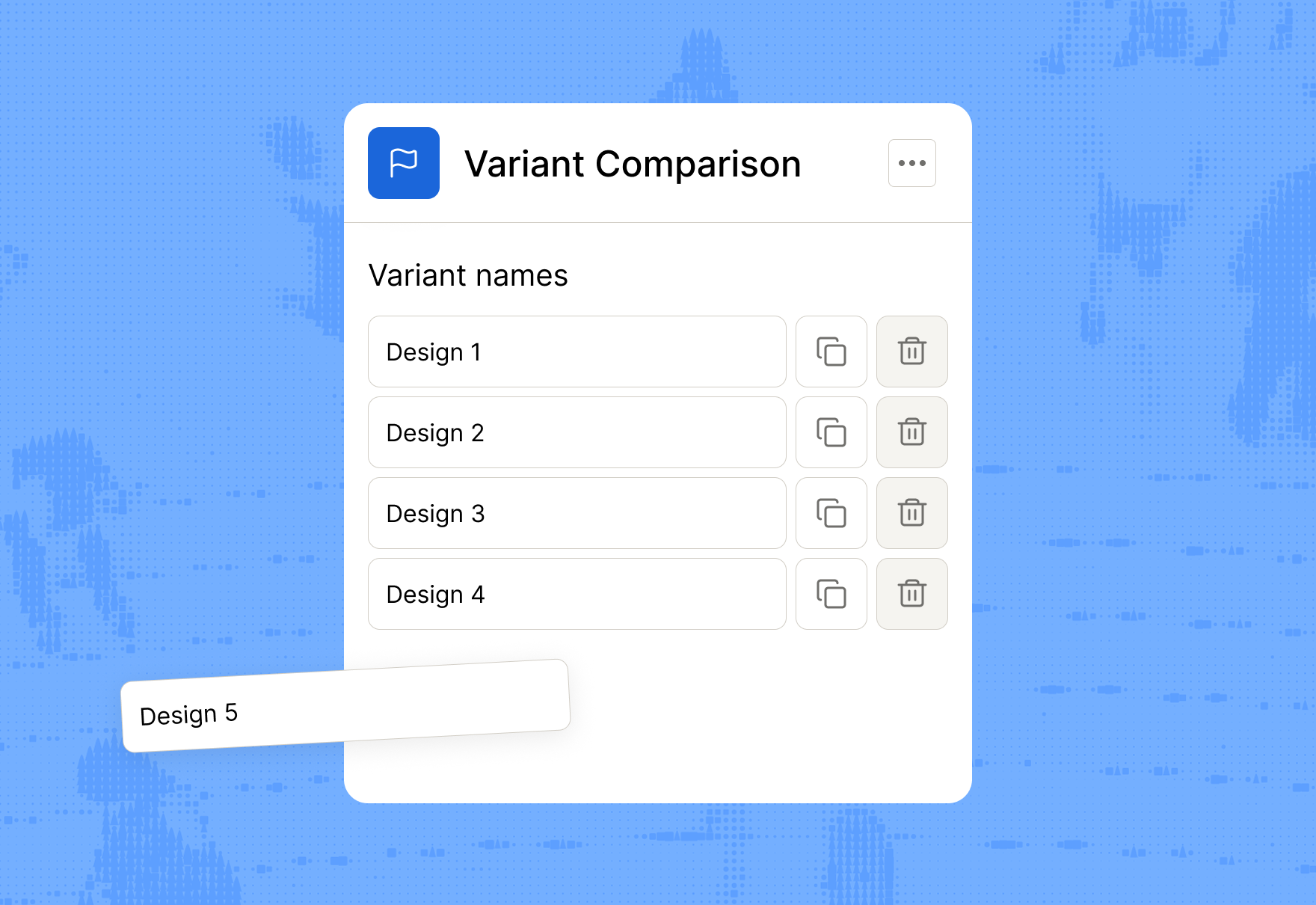
Yes! You can run A/B tests by importing different versions of a prototype, assigning missions/questions, and comparing results side-by-side to determine which design variation performs best, all within the Maze platform.
Does Maze automatically generate usability metrics and analytics for prototype testing?
Does Maze automatically generate usability metrics and analytics for prototype testing?
Yes, Maze automatically generates usability metrics and analytics for prototype tests, including completion rates, misclick rates, average duration, visual mission paths, and downloadable reports. These insights automatically appear in your dashboard as participants complete missions.