








Run research from your AI tools
Maze MCP connects your research to where you work. Find insights from previous studies and build new ones, all in the same conversation.
Works with all MCP-compatible platforms, including





More learning. Less friction.
Research shouldn’t depend on who has time to dig through old studies or build a new one from scratch. Maze MCP closes that gap, so more teams run more research in the flow of their work, and every decision is closer to what your customers need.
One workflow, from first question to final readout
1Plan your study
Describe what you want to learn, with whatever background you have, and ask for Maze's recommendation. Maze builds on what your team already knows, so you don't repeat research you've already done.
Plan your study
WHAT YOU CAN DO
Find previous research
Try this prompt:
We're launching a new pricing page next month. What do we already know and what's the best way to test it?
2Get a draft
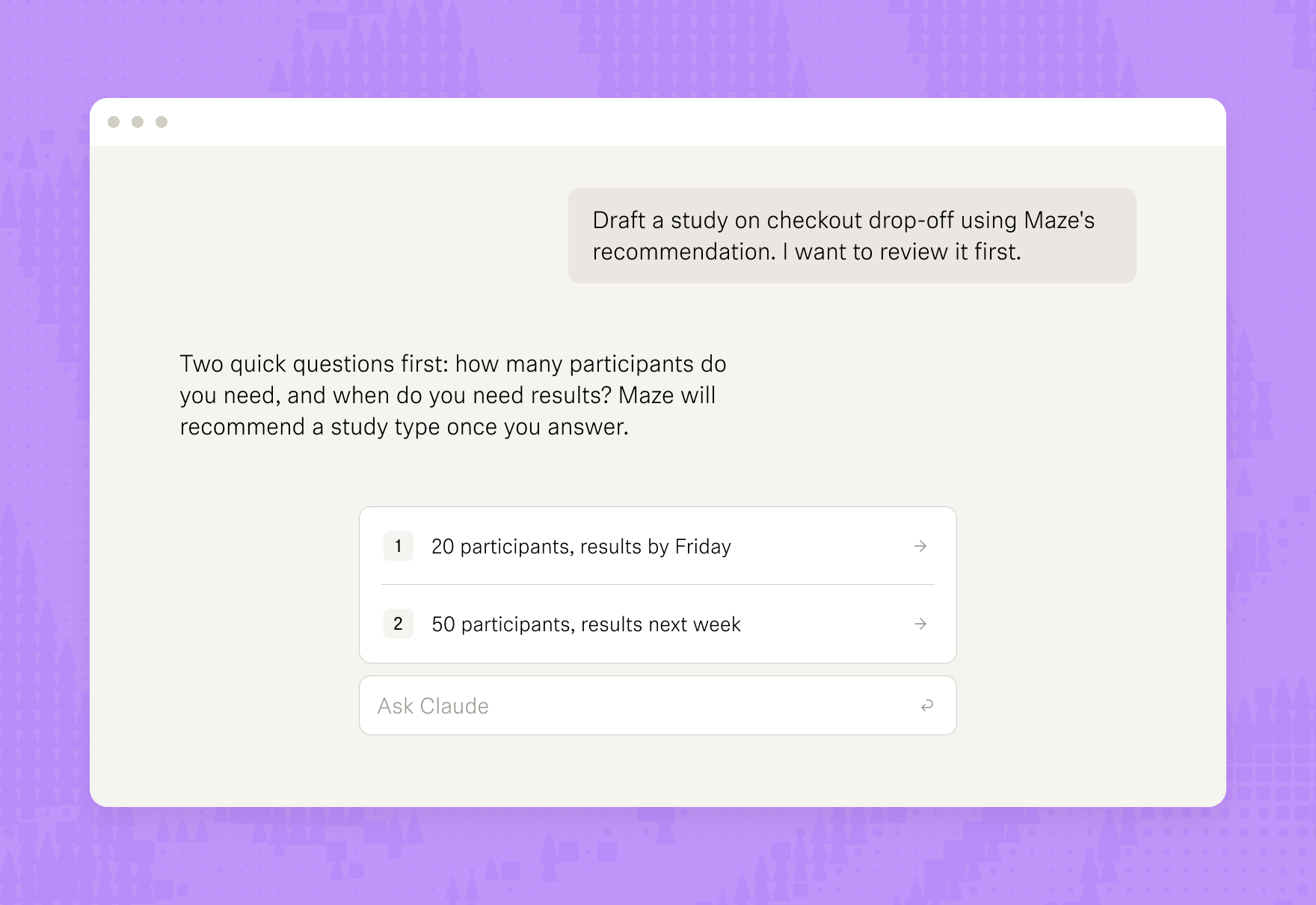
Maze asks a few quick questions, like how many participants you need and how soon. Then it recommends a study type and drafts the study with the AI Study Builder. Or duplicate a study you've already run and change what you need.
Get a draft
WHAT YOU CAN DO
Draft unmoderated and moderated studies
Duplicate past studies
Add screeners
Try this prompt:
Draft the study using Maze.
3Preview and refine
Before anything lands in your workspace, you get a link to see the full study. If something's missing, like a prototype link, your assistant tells you and offers to fix it. Happy with it? Pick a project and the study shows up in Maze as a draft, with your team's permissions already in place.
Preview and refine
WHAT YOU CAN DO
Preview the full study
Refine the setup in chat
Add prototypes and files
Adjust block settings
Save to a team
Set project permissions
Try this prompt:
Add a follow-up question after the last task, then create it in the Growth team's checkout project.
4Launch
Give it a final look, then launch it when you're ready. Your assistant hands over the live link to share, or open the study in Maze and launch it there.
Launch
WHAT YOU CAN DO
Launch unmoderated studies
Launch AI interviews
Try this prompt:
Launch the pricing study.
5Analyze
Your study has results. Ask how it went and Maze gives you the numbers and the reasons behind them: success rates, where people got stuck, and what they said about it, all linked back to the source.
Analyze
WHAT YOU CAN DO
Review sessions
Filter by question
See success and usability scores
Spot where people drop off
Read card sort and tree tests
Pull up tagged highlights
Try this prompt:
Compare versions A and B of the checkout flow. Where did people drop off, and why?
Insights in, studies out
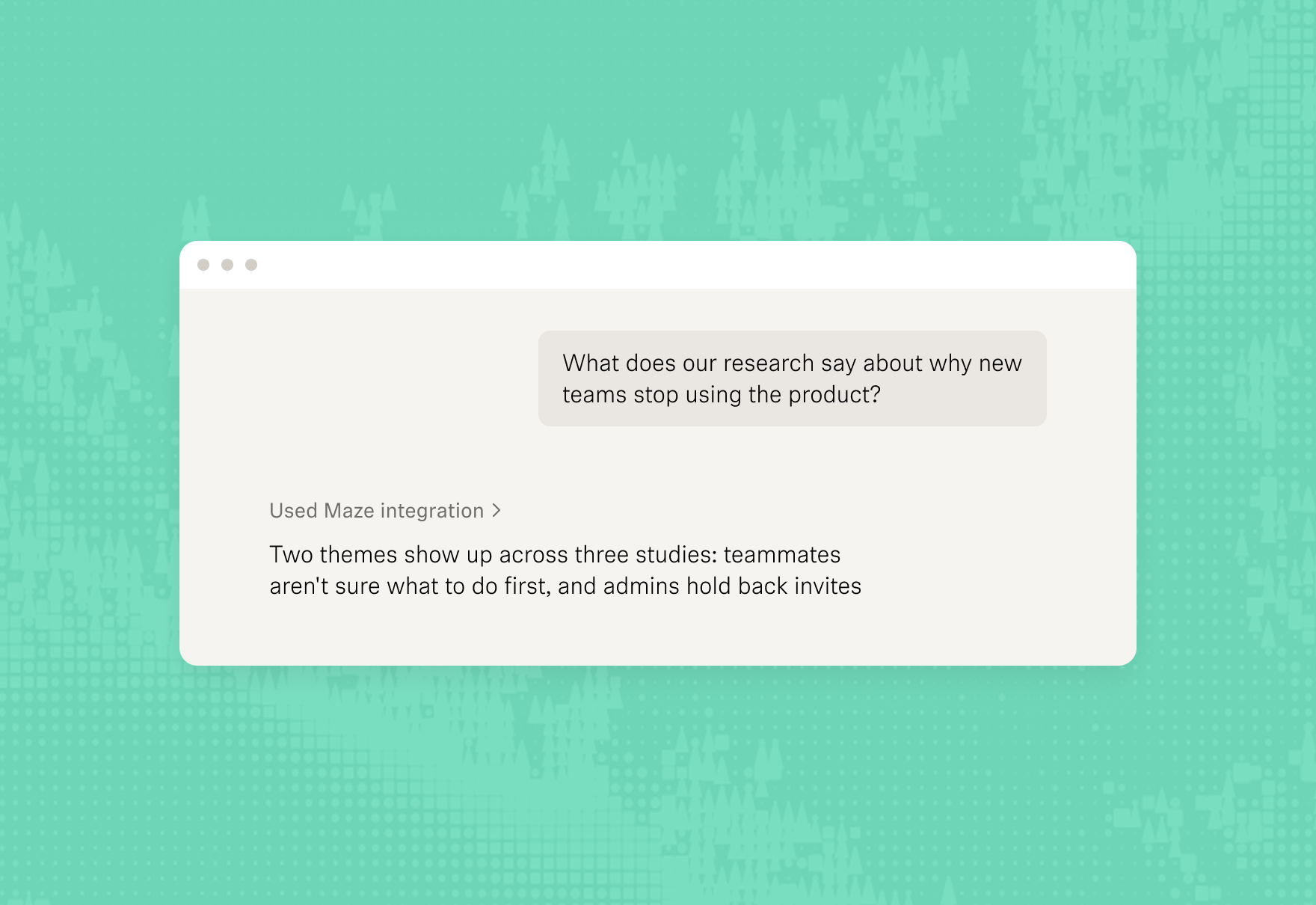
Find your past research and start your next study from the same conversation.
Pull raw transcripts, reframe the analysis around a new question, or find quotes on topics outside the original study themes.


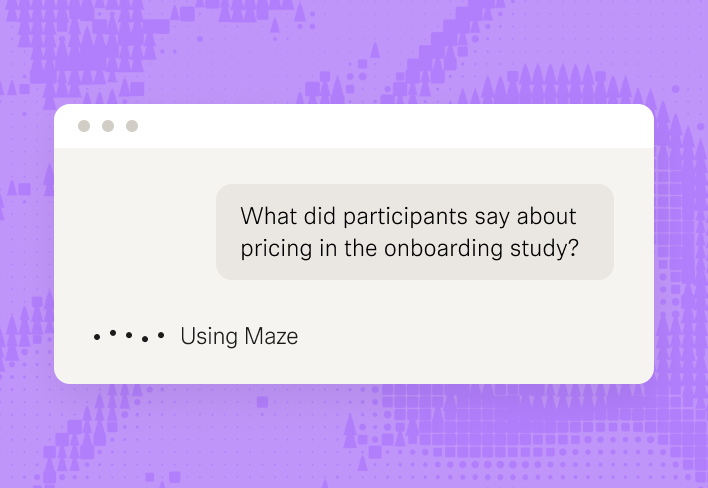
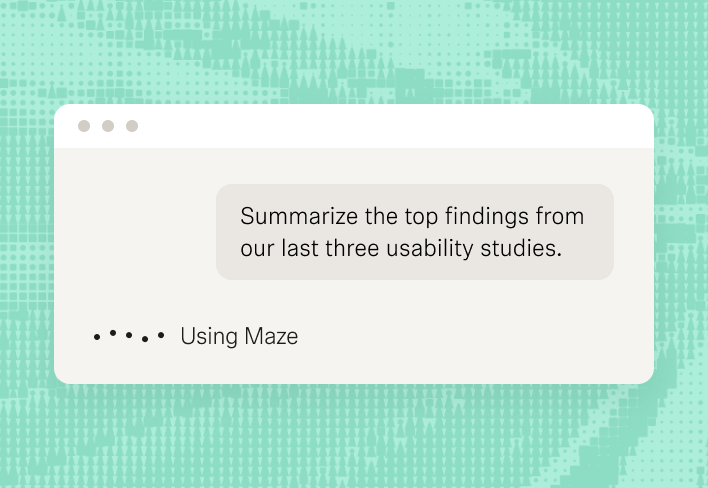
Get plain-language highlights without leaving your workflow, whether you're prepping for a meeting or answering a stakeholder in real time.

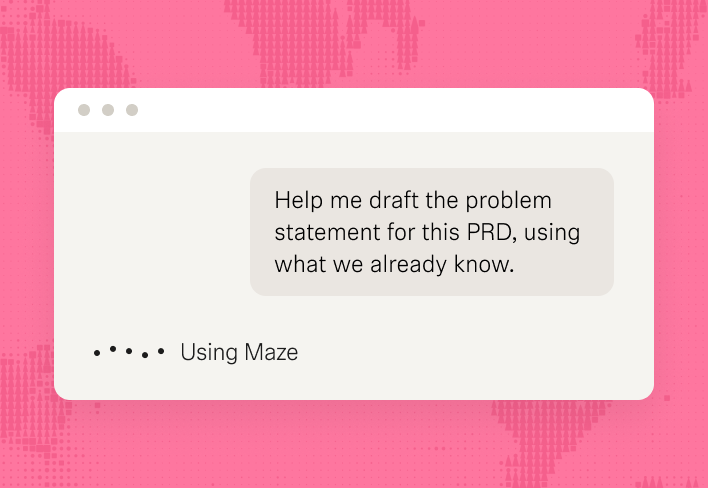
While you work on a PRD or a brief, your AI tool surfaces the findings that matter to it, without you searching for them.

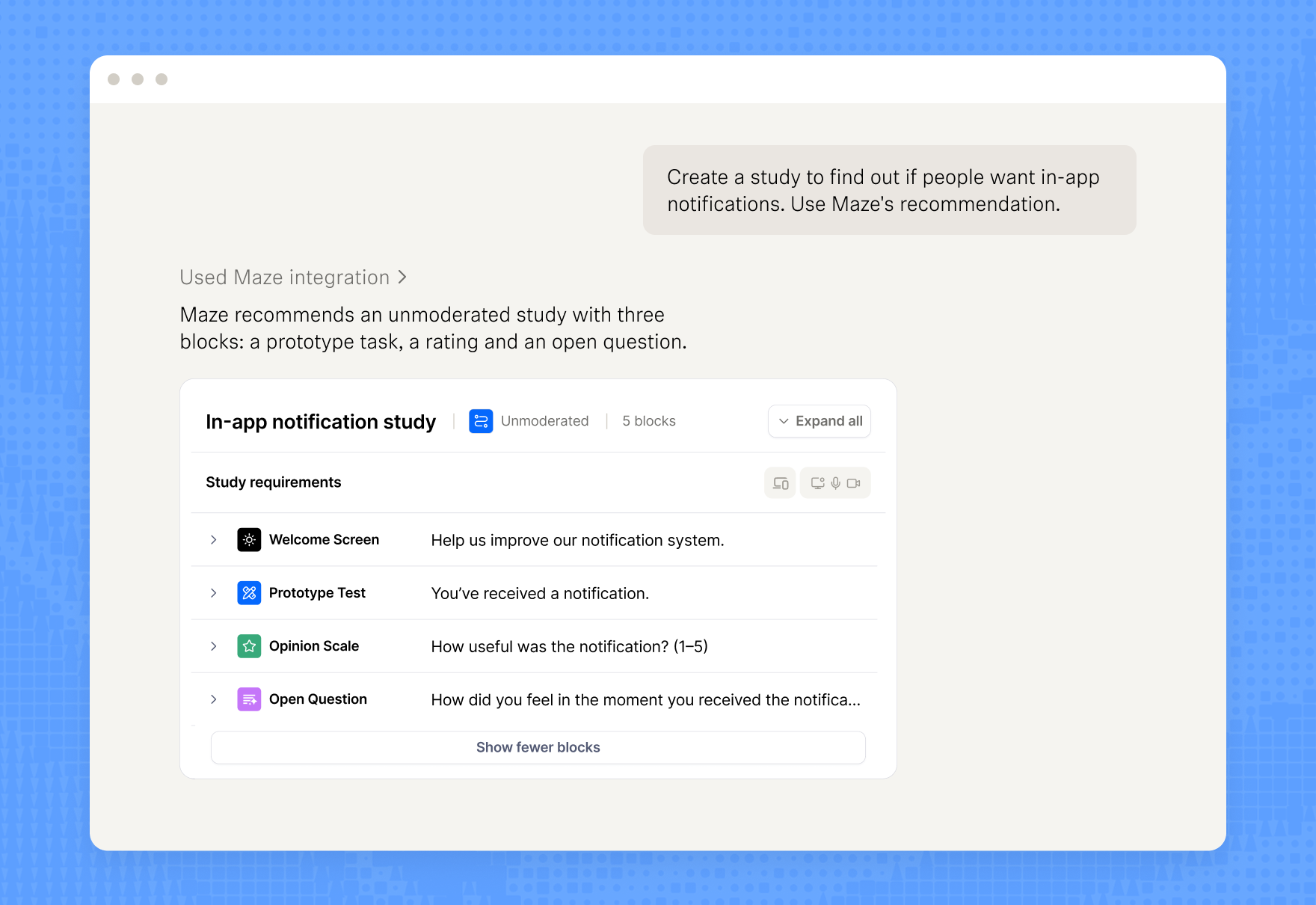
Your AI tool doesn’t write the study, Maze’s AI study builder does. And with Maze’s methodology and validation, it recommends the right study type for what you want to learn.

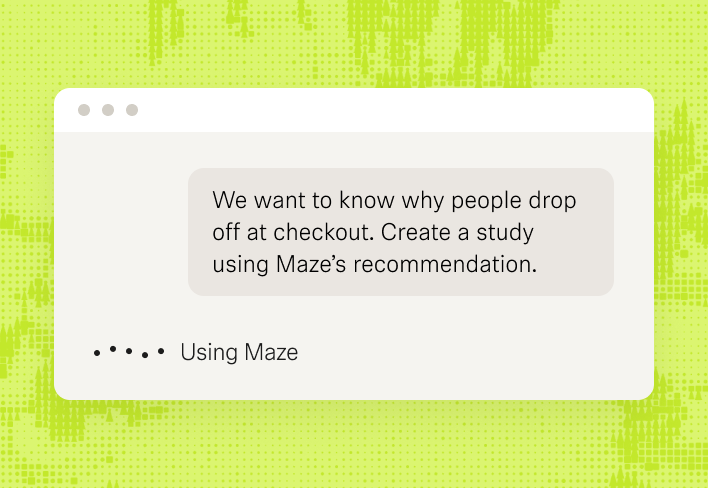
Build a study by simply prompting your AI. It asks follow-up questions and suggests replies, so you can shape the study before anything is created.

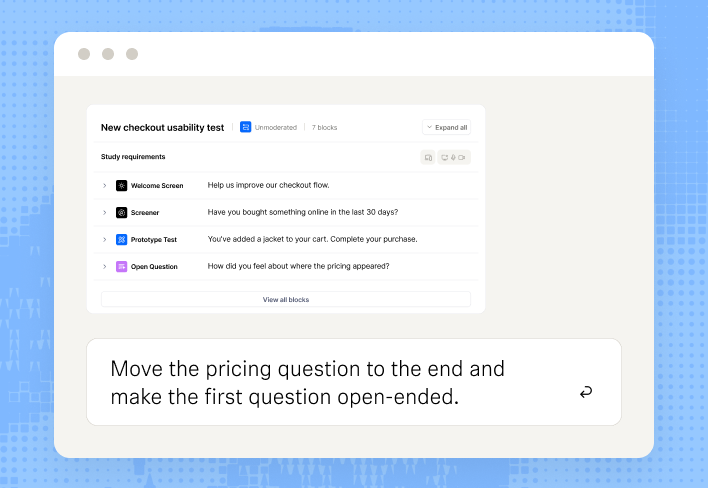
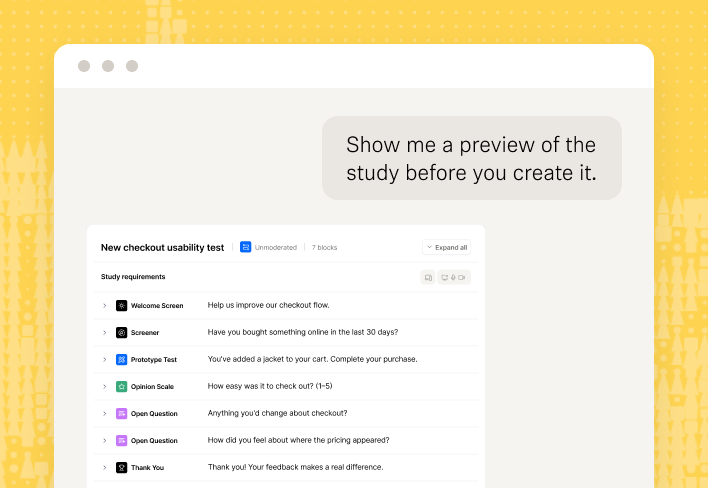
Every draft comes with a preview link to the full study. Review it yourself or share it with a colleague before you say yes.

Start with the question, not the research method
You usually know the business or product question you need answered, but not always how to design the right study. Now you can go from question to research without leaving the AI tools where you already plan and build.




See Maze in action
Frequently asked questions
What questions can I ask Maze MCP?
What questions can I ask Maze MCP?
You can ask about specific studies ("What were the top findings from our last onboarding study?"), go deeper than existing analysis ("What did users say about X that wasn't in the original themes?"), or surface research relevant to what you're currently working on.
The more your team uses Maze, the more it knows.
Who can use Maze MCP?
Who can use Maze MCP?
Any team member who installs the MCP and has access to Maze can use it. The goal is to get research into the hands of PMs, designers, and stakeholders who wouldn't otherwise go looking for it in Maze.
Does Maze use my data to train AI?
Does Maze use my data to train AI?
No. Maze does not use data accessed through the MCP to train AI models. Your study data, transcripts, and responses stay within your account.
Does Maze MCP work with Claude? (and Gemini, ChatGPT, Cursor, etc.)
Does Maze MCP work with Claude? (and Gemini, ChatGPT, Cursor, etc.)
Maze MCP connects to any MCP-compatible AI app. Maze provides step-by-step setup guides for:
Claude (desktop app and claude.ai)
ChatGPT
Gemini
Cursor
GitHub Copilot (VS Code)
Claude Code (CLI)
Codex
The connector URL works in any other app that supports the Model Context Protocol.
Does the study go live automatically?
Does the study go live automatically?
No. Studies are created as drafts in Maze. They don’t collect any responses until you launch them in Maze, so you decide when a study goes live.
Is an AI-built study as good as ones I build in Maze?
Is an AI-built study as good as ones I build in Maze?
It's built by the same tool. Maze MCP doesn't hand study writing to your AI assistant. It calls Maze's own AI study builder, with the same methodology guidance and validation as in the app. The assistant is simply the interface.
Can I see the study before it's created?
Can I see the study before it's created?
Yes. Every draft and every edit comes back with a preview link that shows the full study. You can also share it with a colleague before anything is created in your workspace.
Can I edit a study that already exists?
Can I edit a study that already exists?
Yes, for unmoderated studies. Your assistant opens an editing session, and you save or revert the changes. Editing existing AI-moderated studies isn't available yet.
Which study types can I create?
Which study types can I create?
Unmoderated studies and AI-moderated studies. Unmoderated is the most complete today, and AI-moderated is following.
























Learn from your research. Build what’s next.
Maze MCP puts your insights and your next study in the same conversation, in the AI tools your team already uses.